
AI Photo Restoration
Restore old photoswith natural detail.
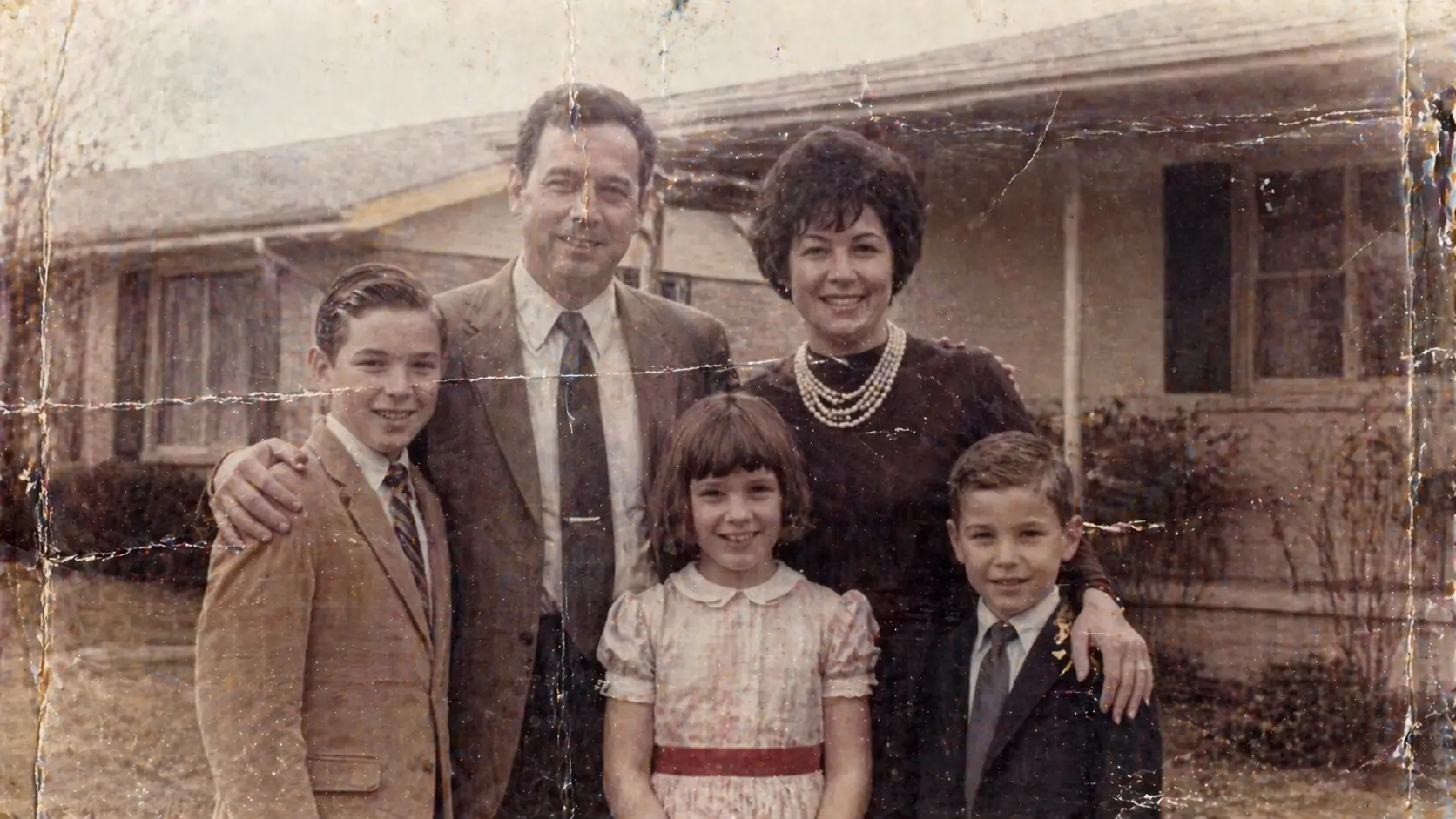
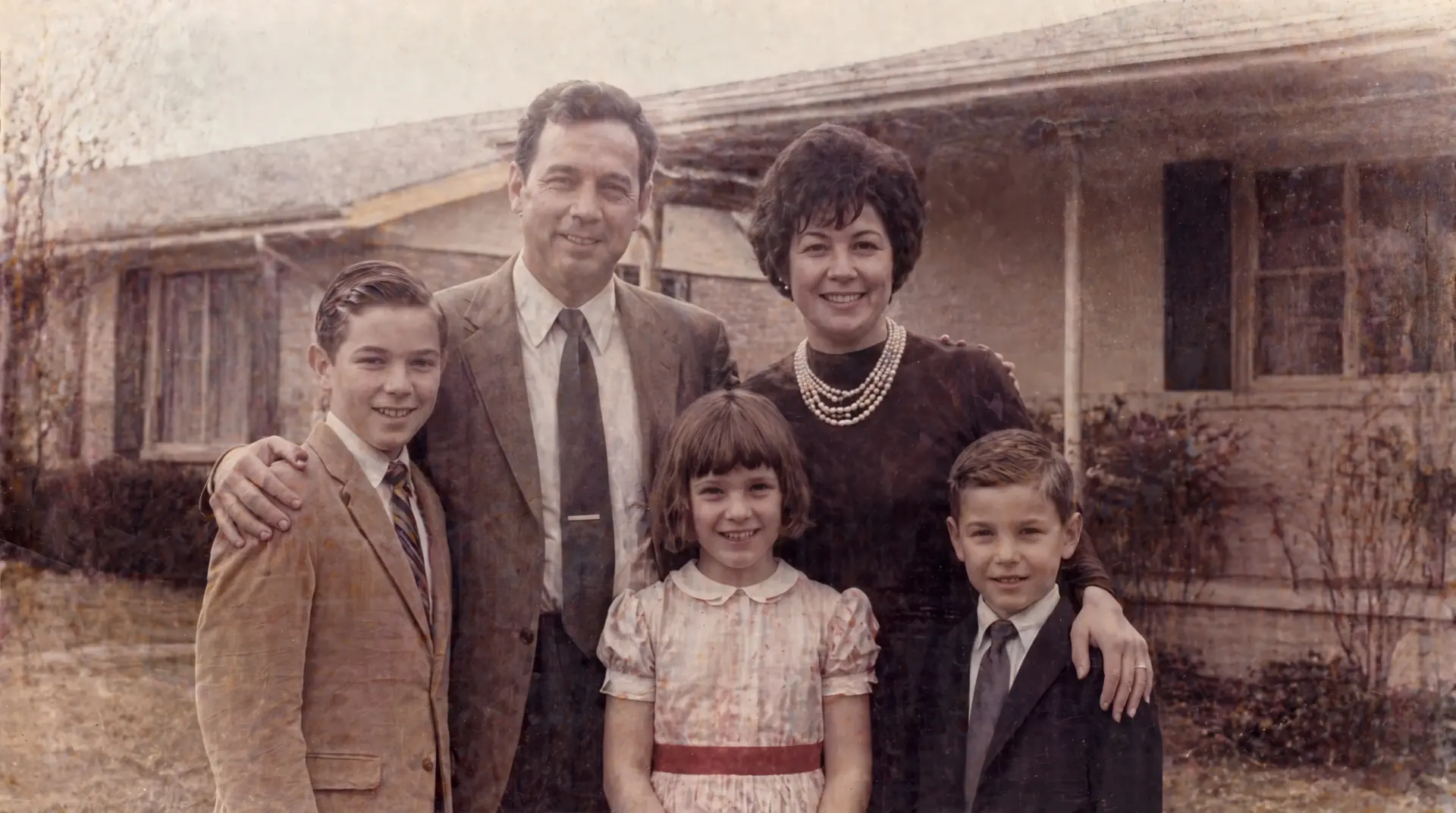
Restore photo damage like cracks, fading, blur, and stains while preserving faces, texture, and natural detail.
Want examples and repair tips first?view the old photo restoration page
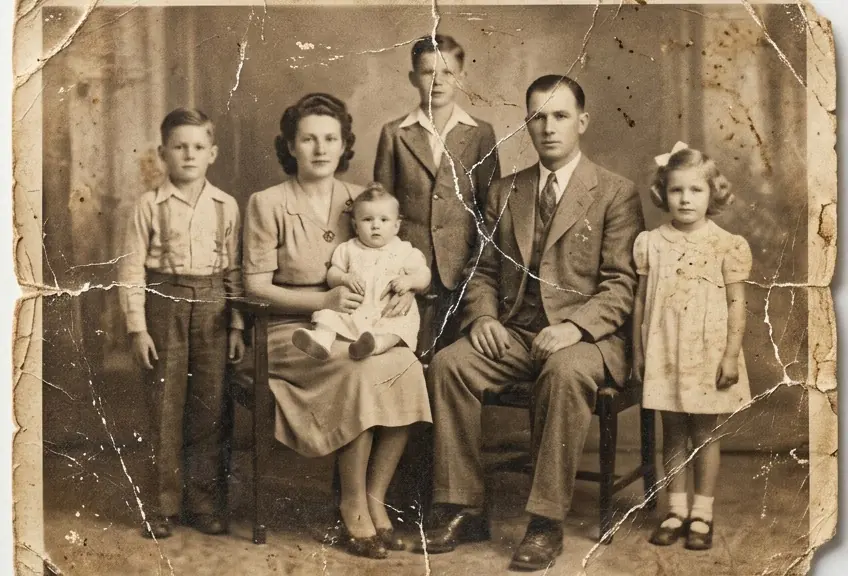
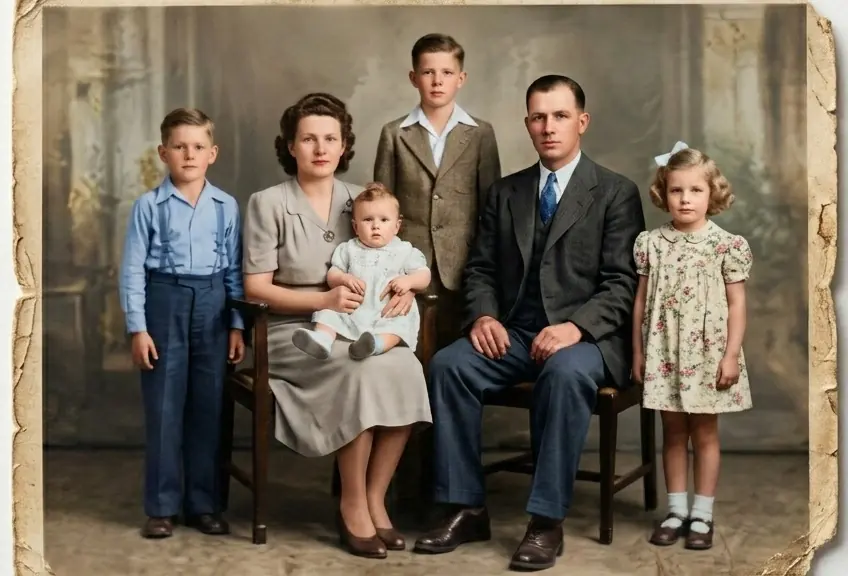
Original
Restored
Private Upload
Faces Preserved
Natural Detail
Real photo restoration, with natural detail.
Real photo restoration examples with cracks, fading, blur, stains, and damaged portraits restored with natural detail.
Restore photo example
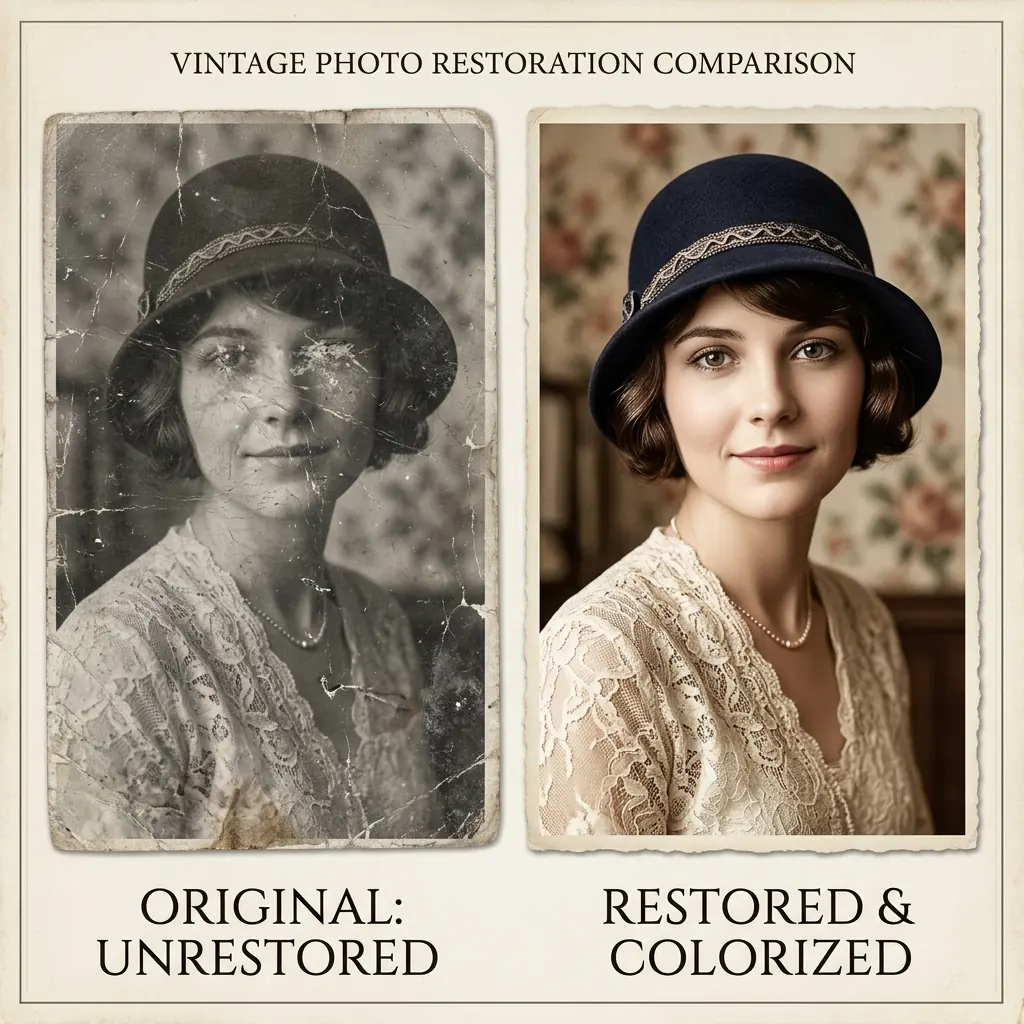
Cracked Portrait
A cracked studio portrait restored with facial detail and paper texture still intact.
Restore photo example
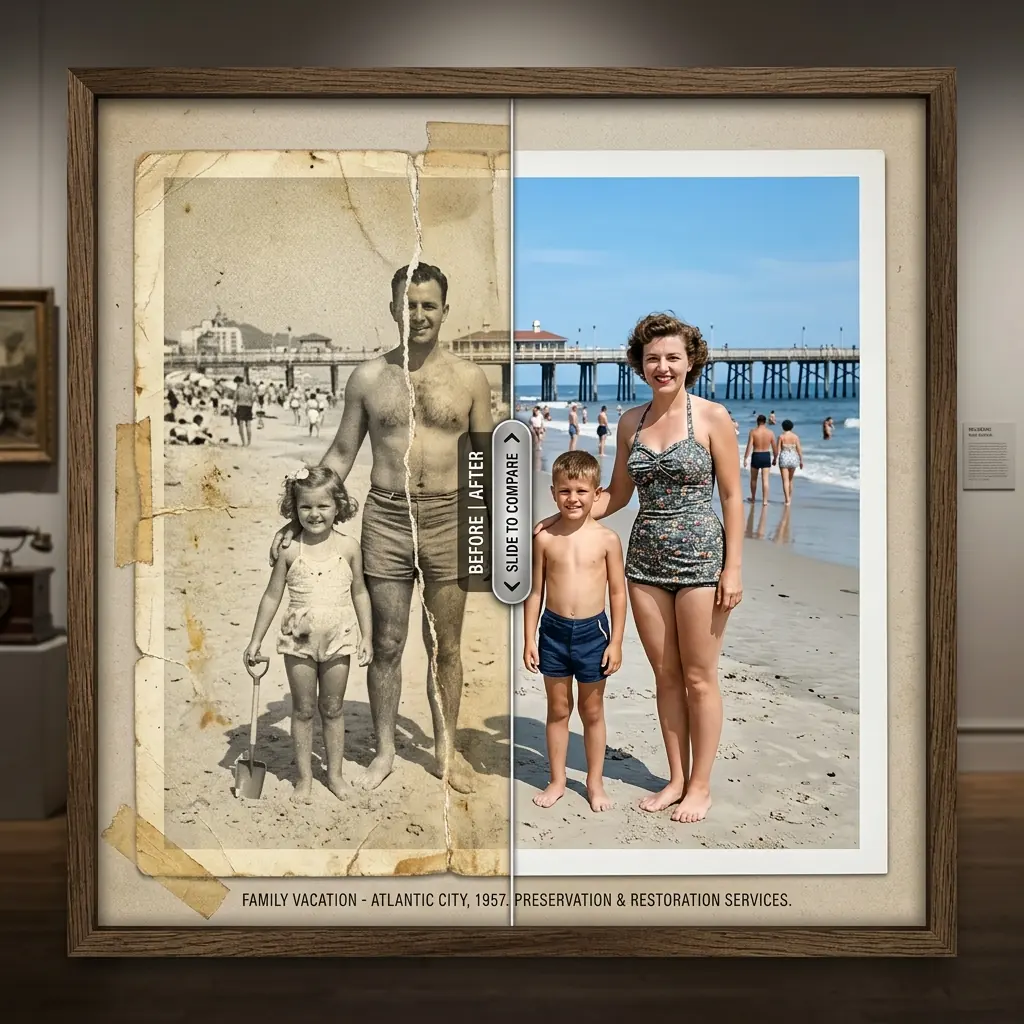
Faded Photo Restore
A faded outdoor photo restored without washing out the original atmosphere.
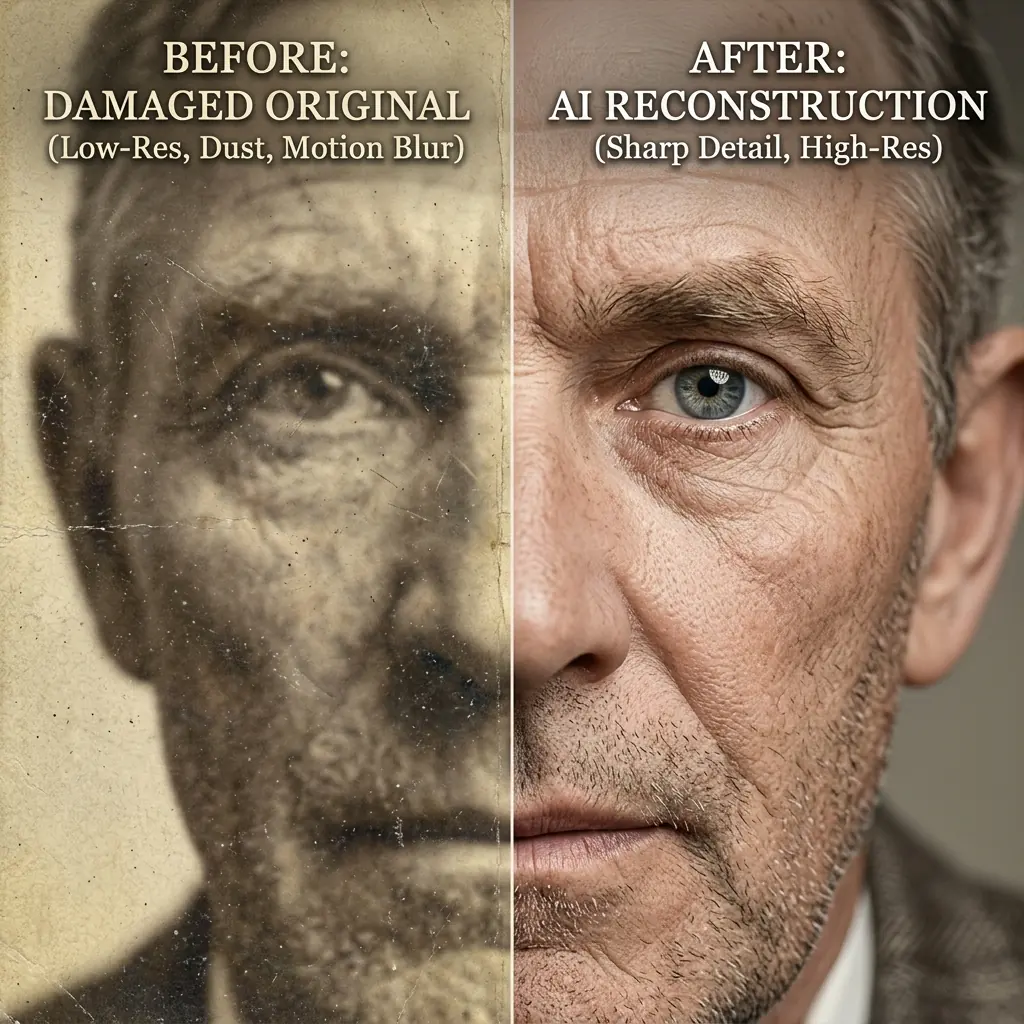
Restore photo example
Blurred Portrait Fix
Blurred facial detail recovered so the portrait looks recognizable again.
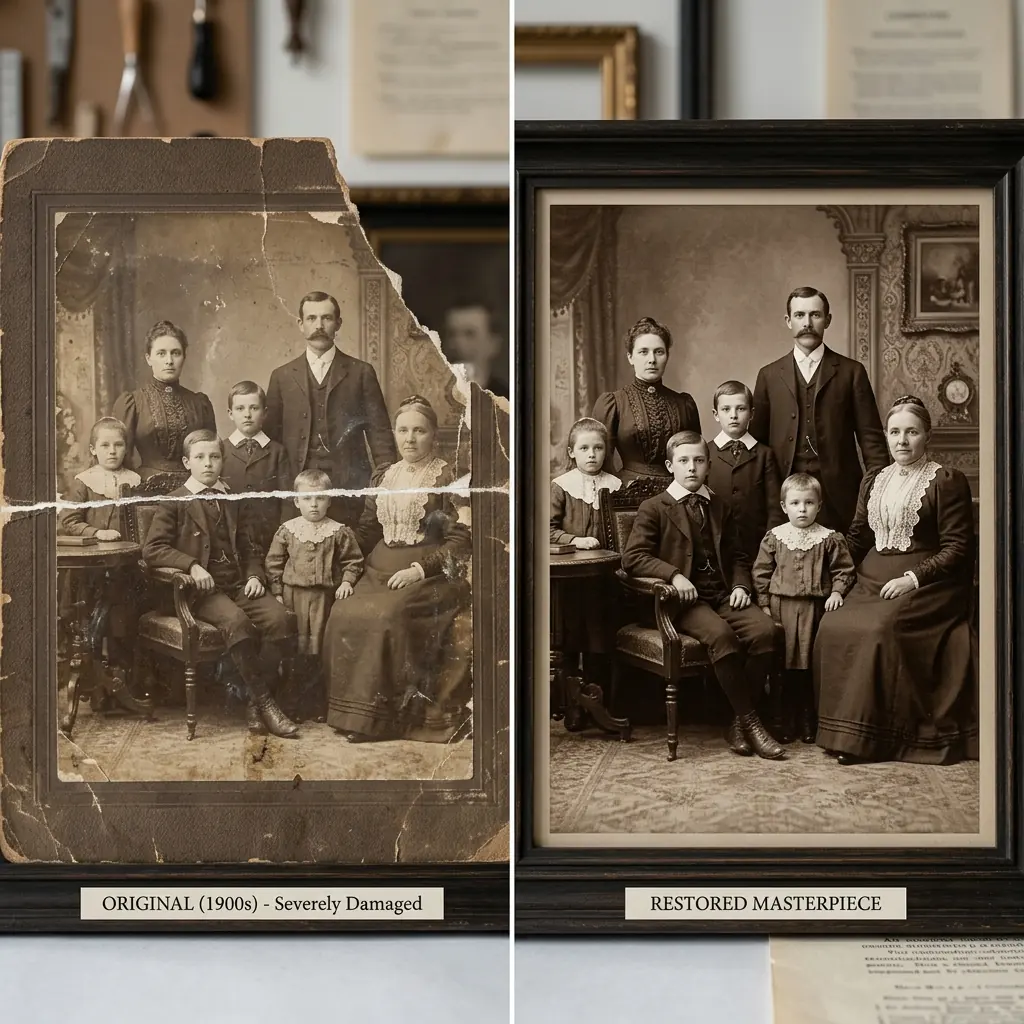
Restore photo example
Torn Photo Rebuild
Severe tears and missing sections repaired in a damaged archival photo.
Restore photo example
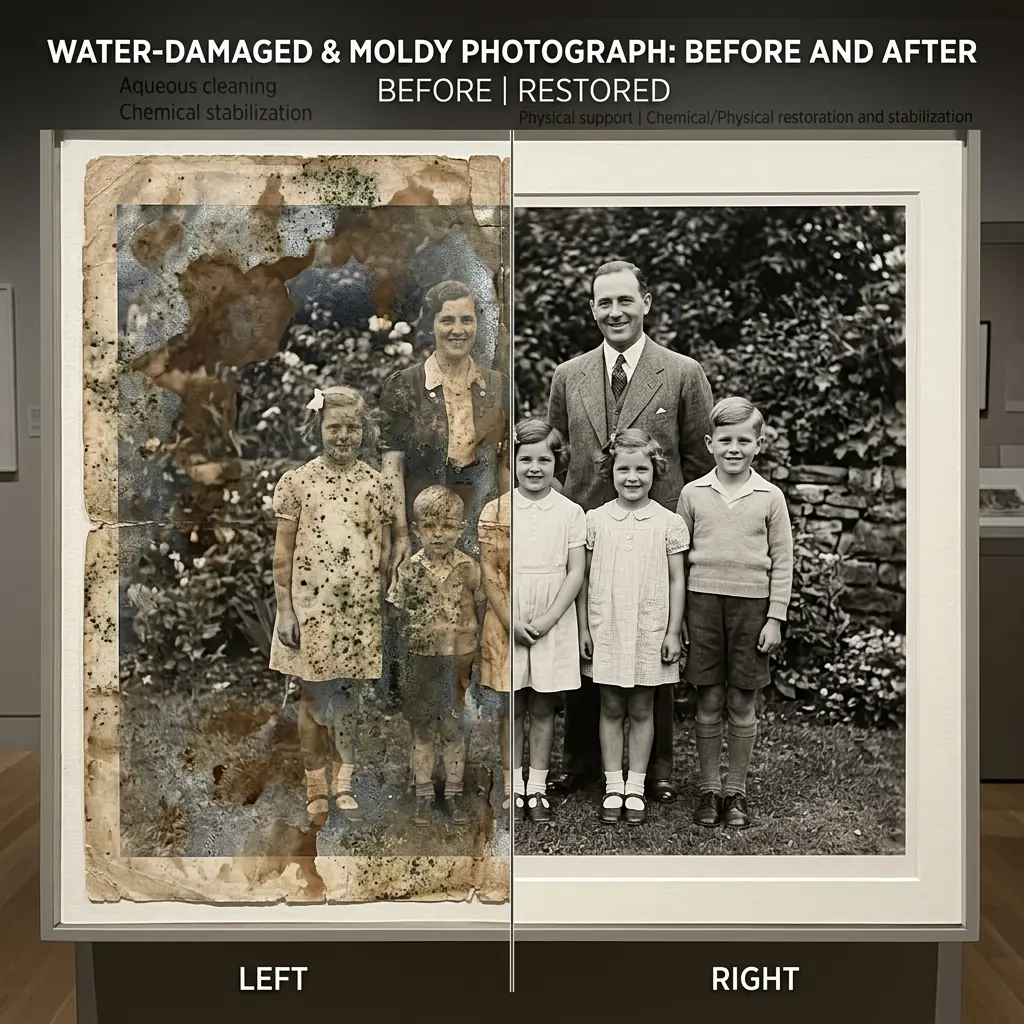
Water-Damaged Photo
Water stains and mold marks cleaned without flattening the original depth.
Restore photo example
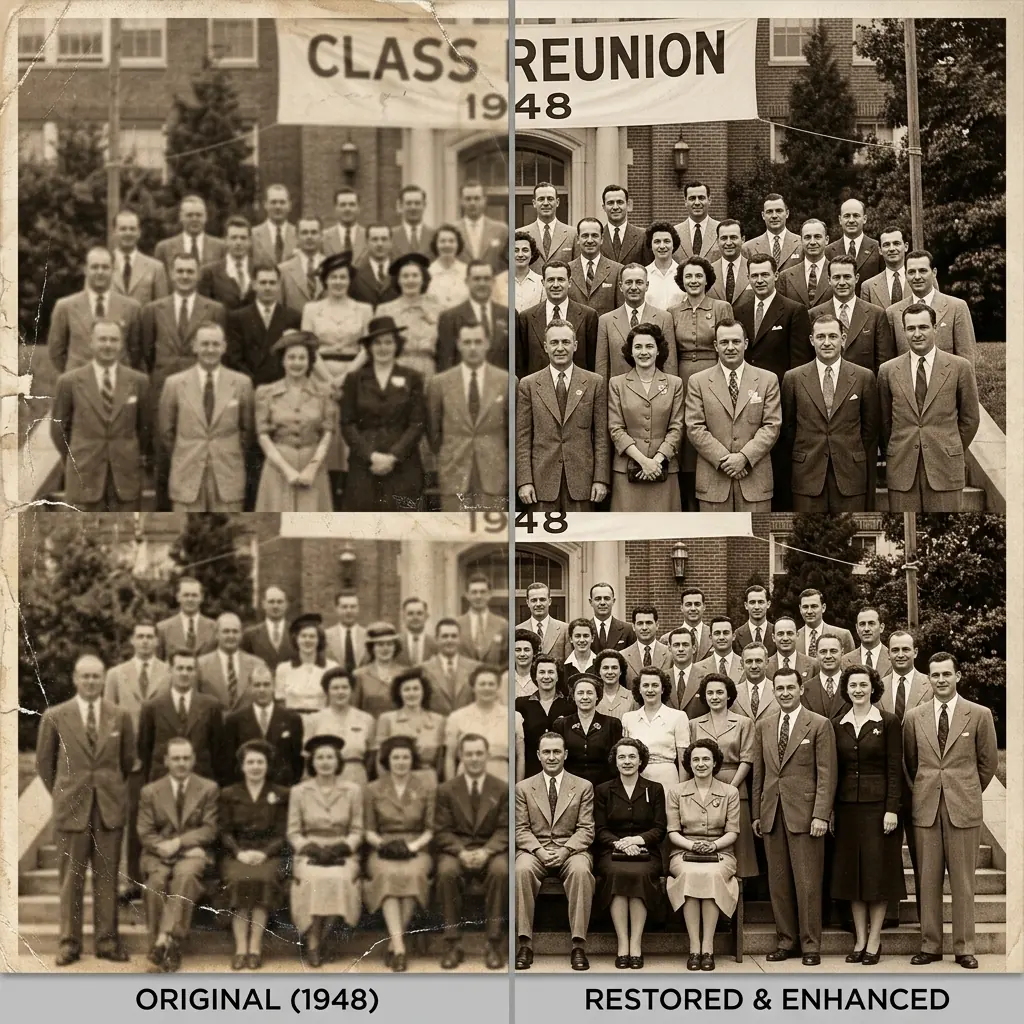
Group Portrait Repair
A large group portrait sharpened while keeping each face stable and human.
The Repair Process
01
Upload Photo
Drop in an old, blurry, faded, scratched, or damaged photo from your device.
02
Repair Analysis
We detect tears, stains, fading, blur, and fragile facial detail.
03
Export Result
Preview the restored image and keep the result in your account workspace.
AI ANALYSIS RUNNING
Restore more photos simple.
One-time credit packs for photo restoration, HD exports, and repeat repair work without a subscription.
Starter
$19.99
For a few important photos and a first serious restoration run.
- 700 credits included
- 10 credits per pro run
- Private processing
Most Popular
Pro
$49.99
Best fit for restoring multiple photos without recurring billing.
- 2,000 credits included
- Better value per run
- Multi-album ready
- Built for repeat photo restoration
Advanced
$89.99
For studios, agencies, and heavier commercial restoration volume.
- 4,200 credits included
- High-volume workflow
- Team-friendly capacity
- Priority queue
Common Questions
High-fidelity printing?
Yes. Restored exports are designed for print, canvas, and modern photo paper without pushing the original into a glossy synthetic finish.
Best scan setup?
Use a flatbed at 600 DPI if possible. If using a phone, avoid flash and keep the print evenly lit.
Saved or used for training?
No. Your source photo is used only to complete the restoration you request, and it is not used to train AI. We don't create cross-device cloud history by default. Source and result history in Studio is saved in your current browser, so it may disappear if you switch browsers or clear browser data. Download finished results promptly.
What is FixMyPhoto?
FixMyPhoto is an AI photo restoration and image enhancement website for repairing old, scratched, faded, blurry, and stained photos online with a simple upload, preview, and download workflow.
Can I fix an old family photo?
Yes. FixMyPhoto is designed for family photos, vintage prints, scanned portraits, and damaged pictures where you want natural repair instead of a plastic beauty-filter look.
More photo tools, one clean studio.
FixMyPhoto is not only for old photo restoration. Use these focused tools when the job is color, sharpness, resolution, compression cleanup, brightness, or expanding the borders of an existing photo.
Colorize Photo
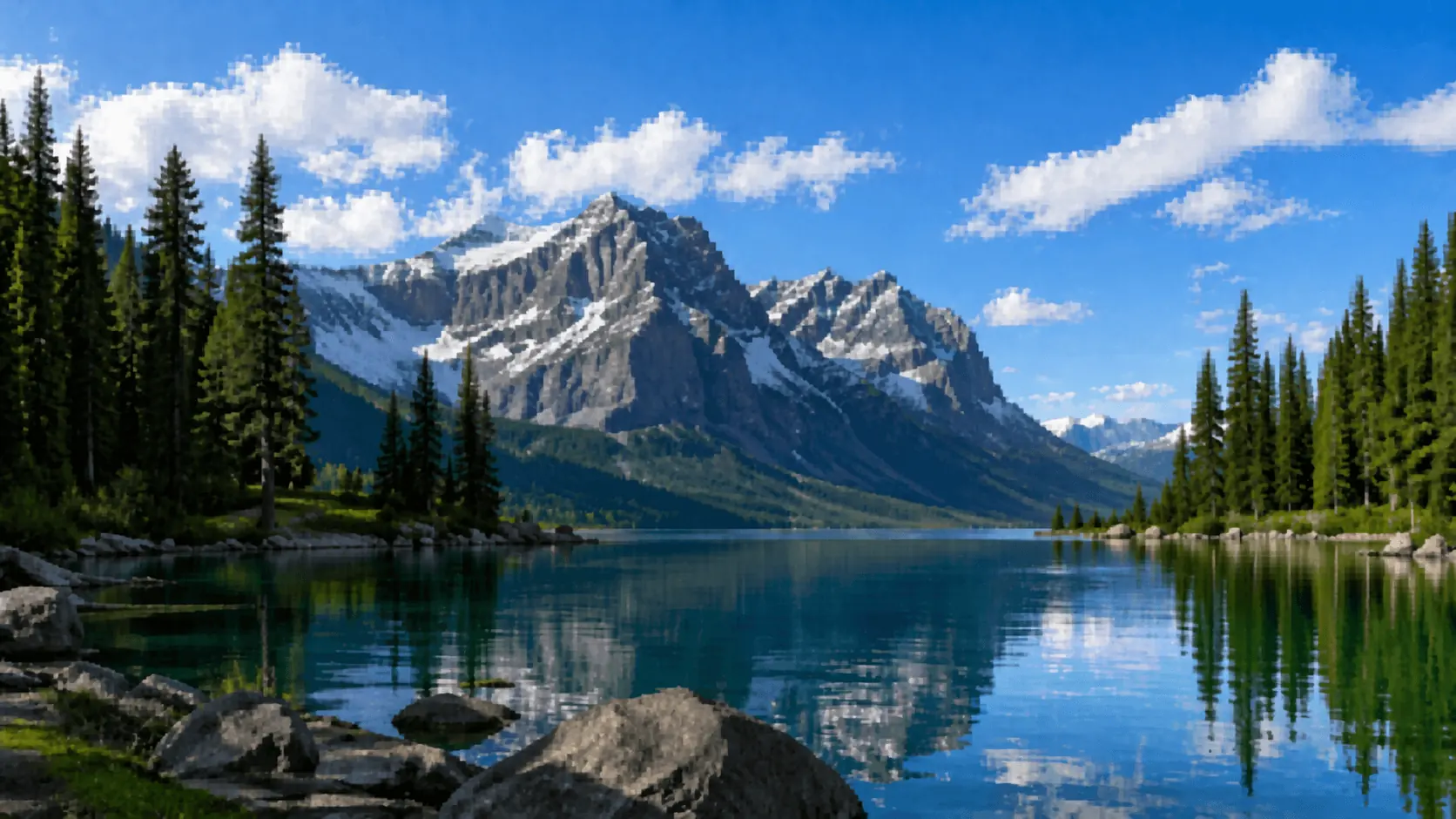
Colorize black-and-white photos with natural tones, controlled contrast, and a studio flow that stays simple.
Open tool
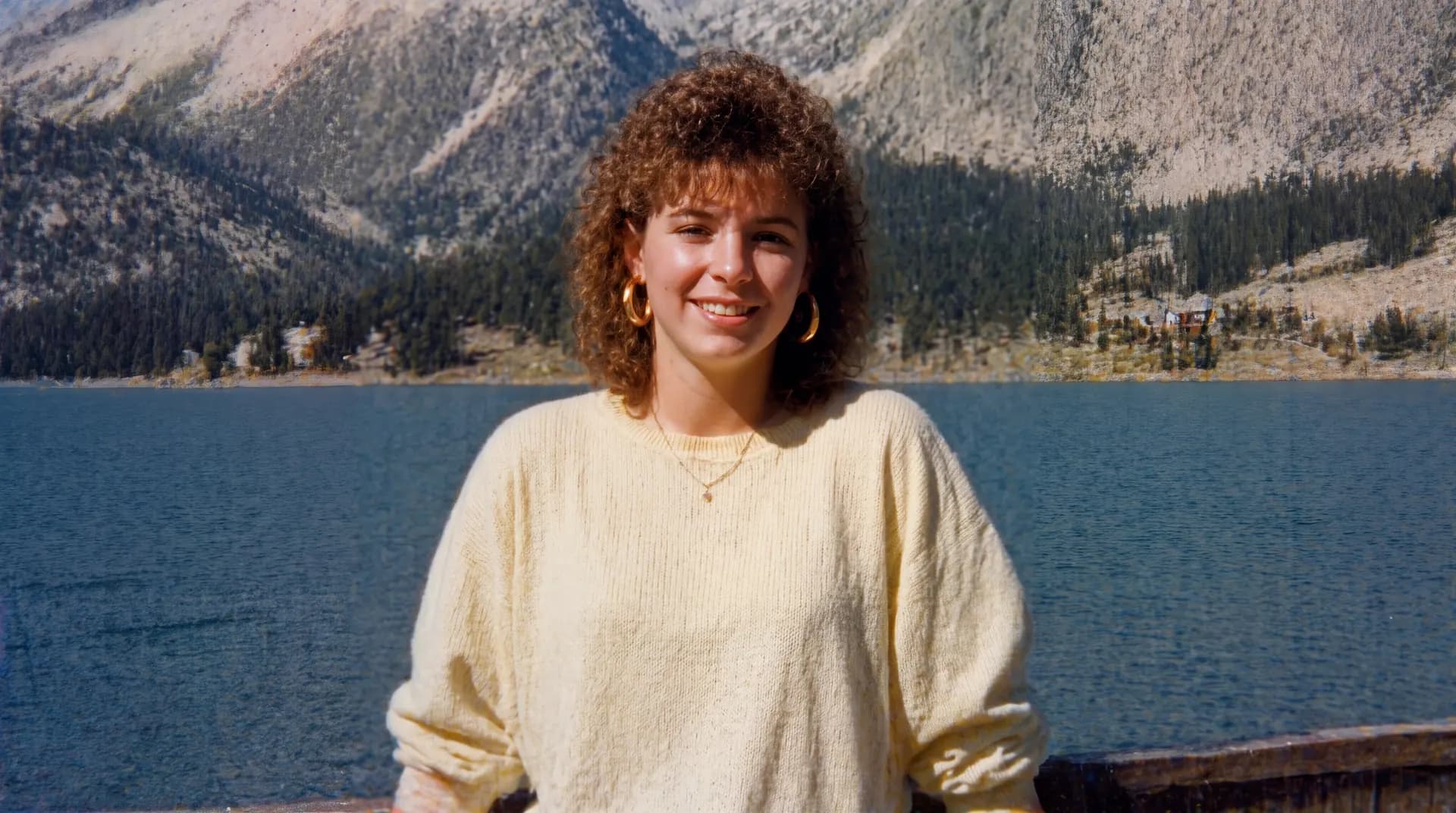
Image Upscaler
Increase image resolution with a cleaner upscale workflow built for soft scans, portraits, and detail recovery.
Open tool
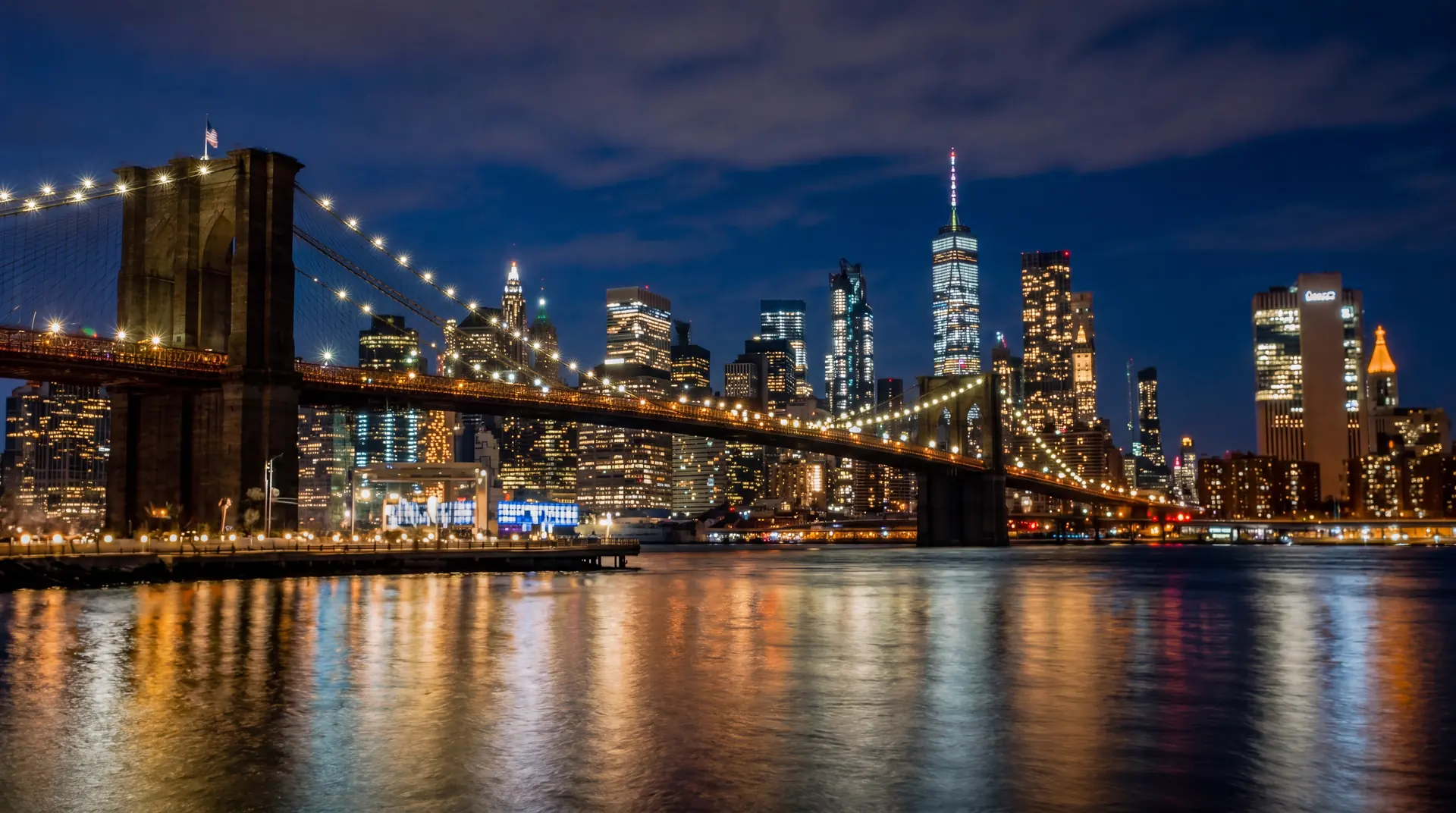
Unblur Image
Unblur soft or shaky photos with a simple AI processing flow built for portraits, scans, and everyday fixes.
Open tool
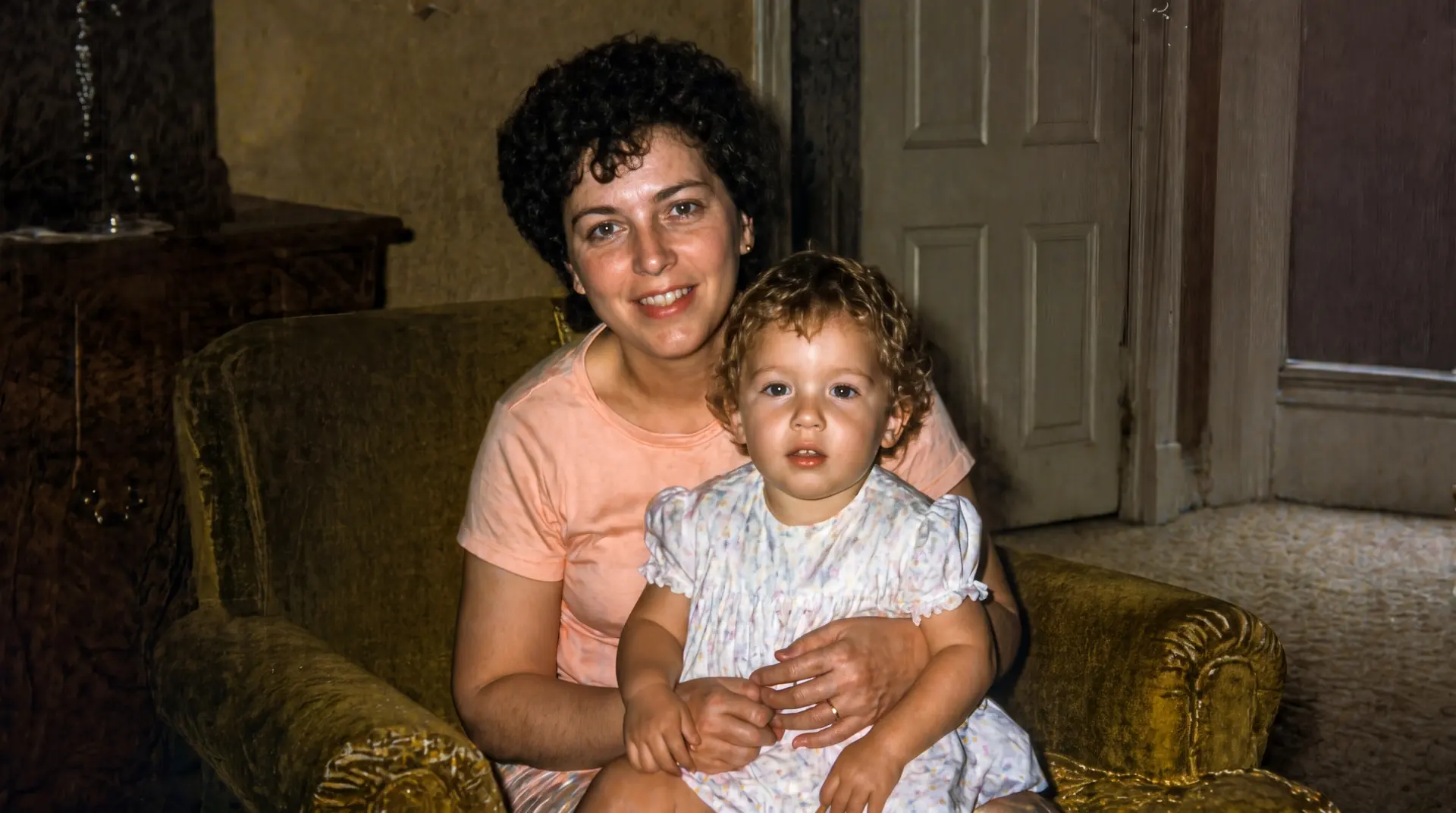
Brighten Image
Brighten dark or underexposed images with a clean AI workflow focused on tonal recovery and readable detail.
Open tool

Unpixelate Image
Unpixelate heavily compressed images with a simple AI processing flow focused on cleaner edges and clearer subjects.
Open tool
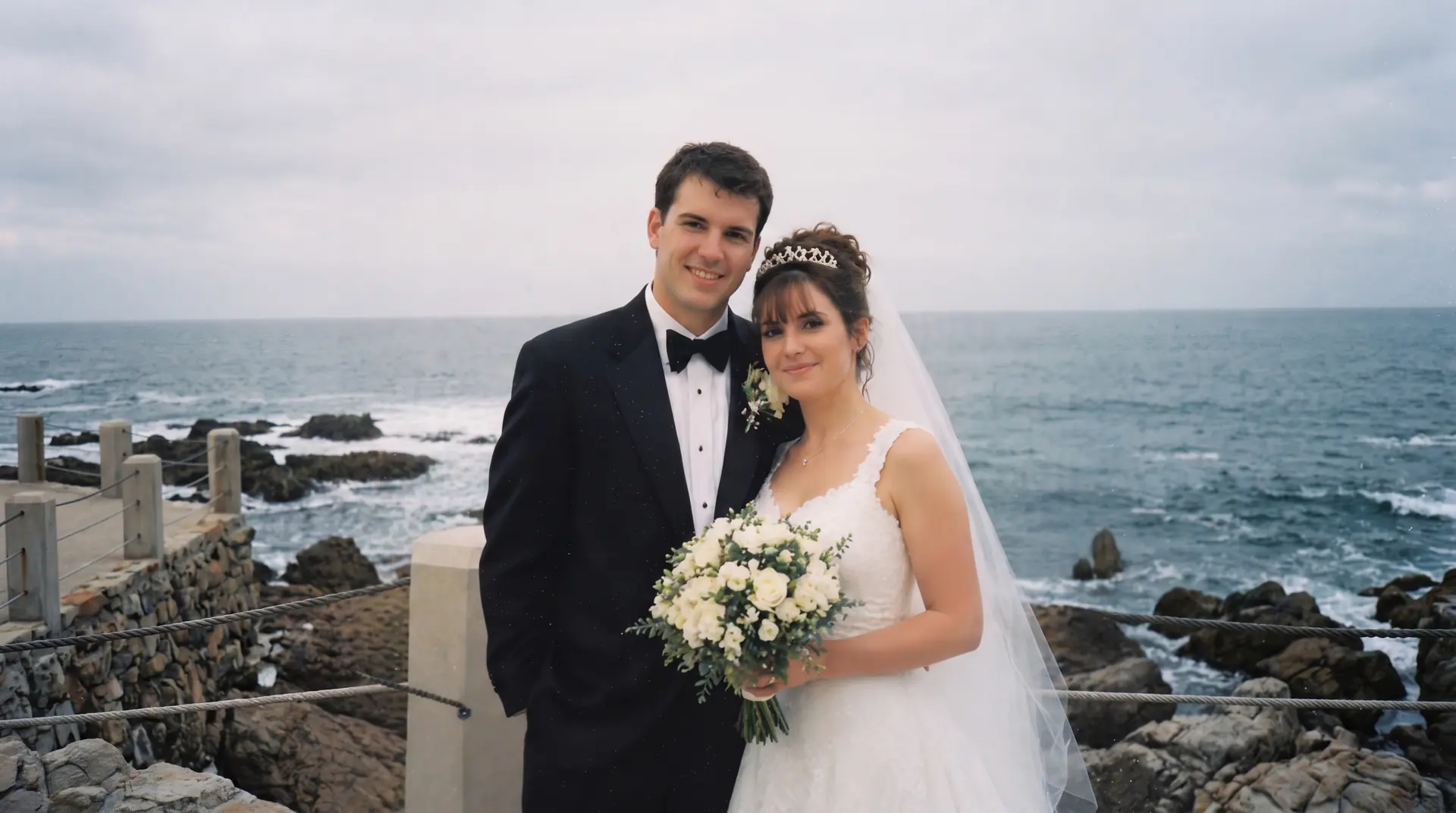
Image Extender
Extend uploaded image borders with a clean AI studio workflow for portraits, background edges, and wider composition.
Open tool
Ready to restore photo.
Upload one old or damaged photo, check the repair direction, and continue only when the result looks worth keeping.